
Welcome every guest on the screen they already have
HostyWave turns the TV in each apartment or villa into a personal welcome screen and gives guests a QR page for requests. You manage everything from one portal.
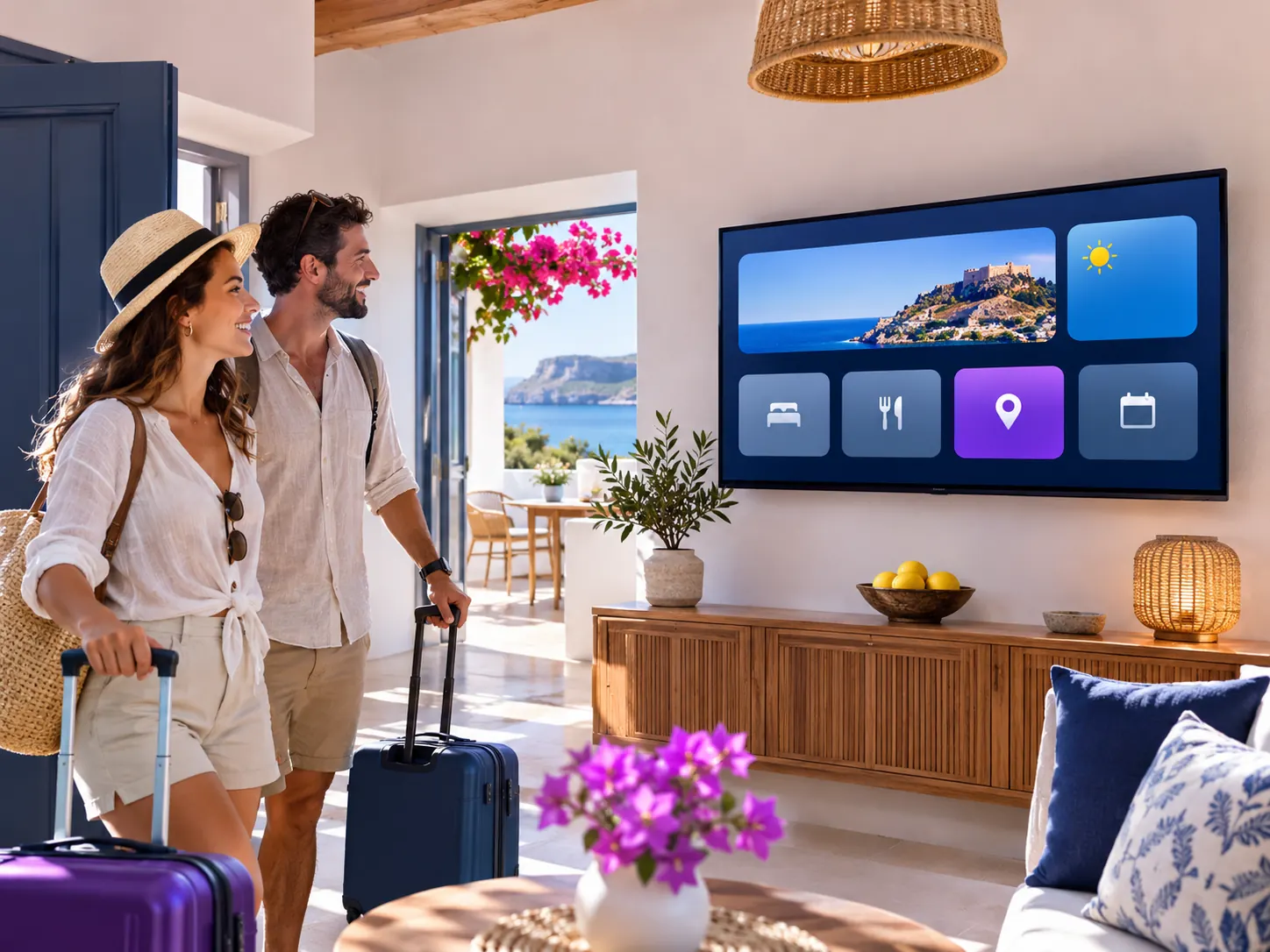
Everything for a smoother stay
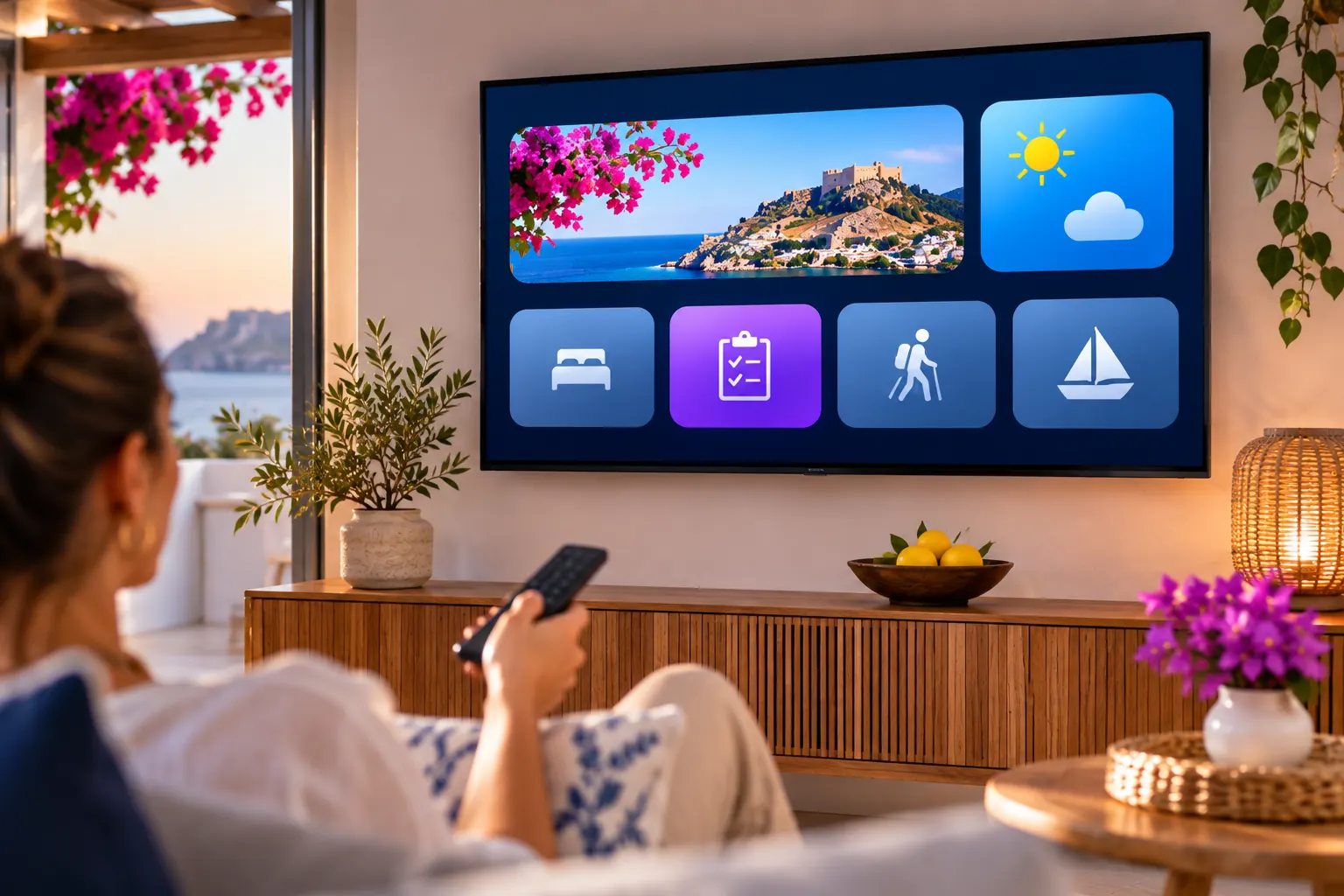
Guest welcome dashboard
Greet guests by name during their stay, with local weather, house rules, how-things-work guides and activities nearby.
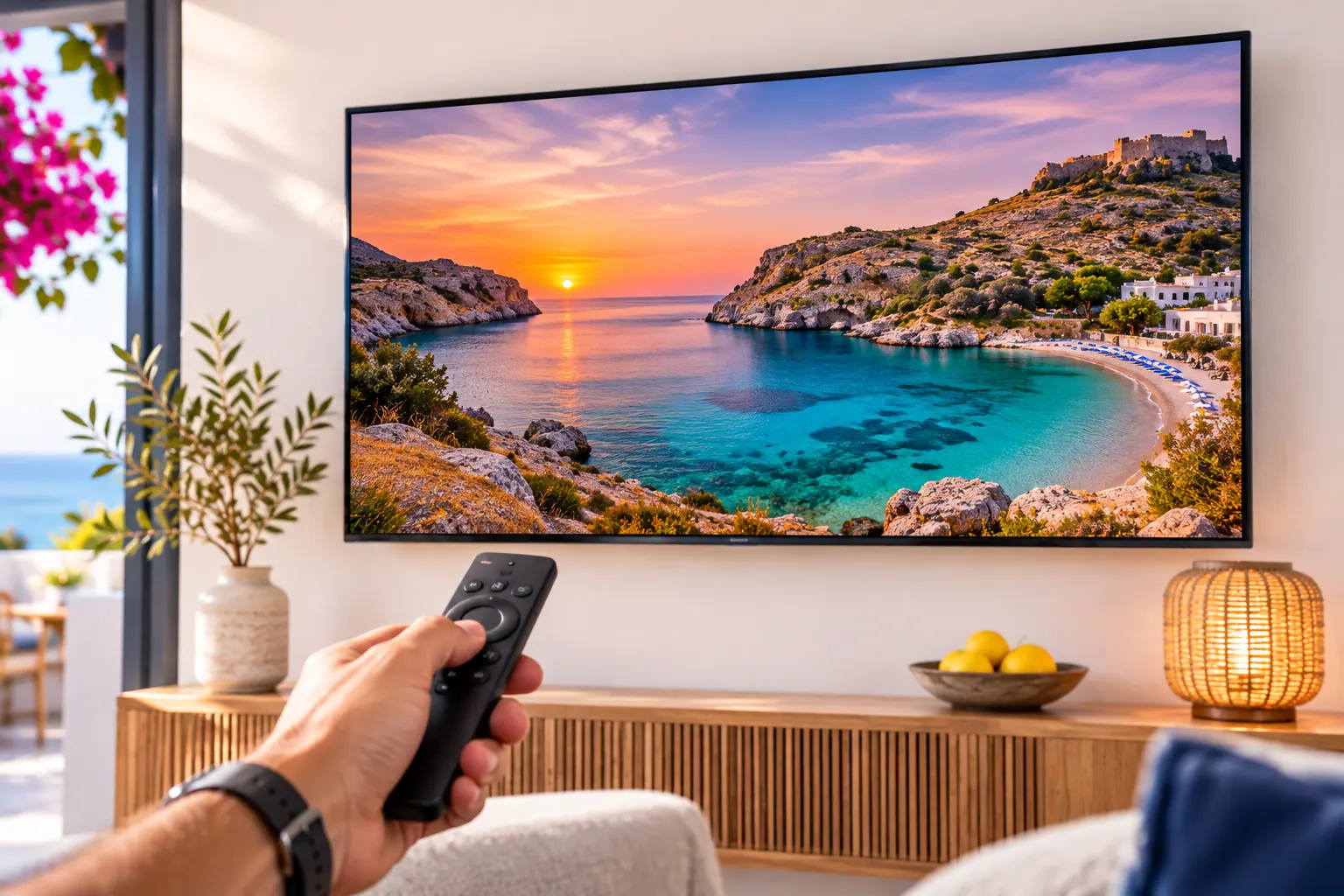
Smart TV player
One player for the TV in each unit, starting with LG webOS. It keeps playing the last synced content when the Wi-Fi drops.
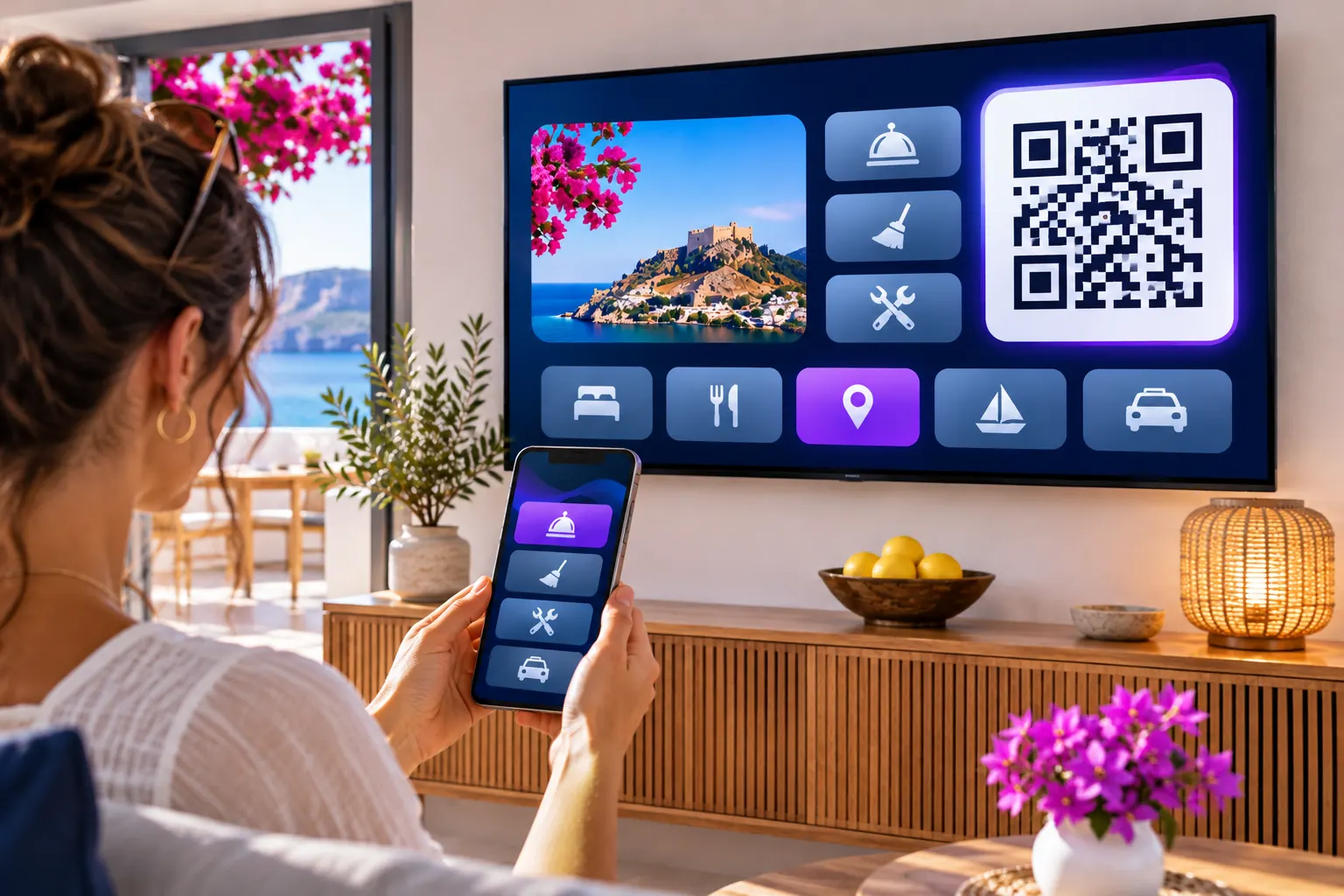
QR page for every unit
Guests scan a code to send a request. No app to install and no account to create.
Schedules and automations
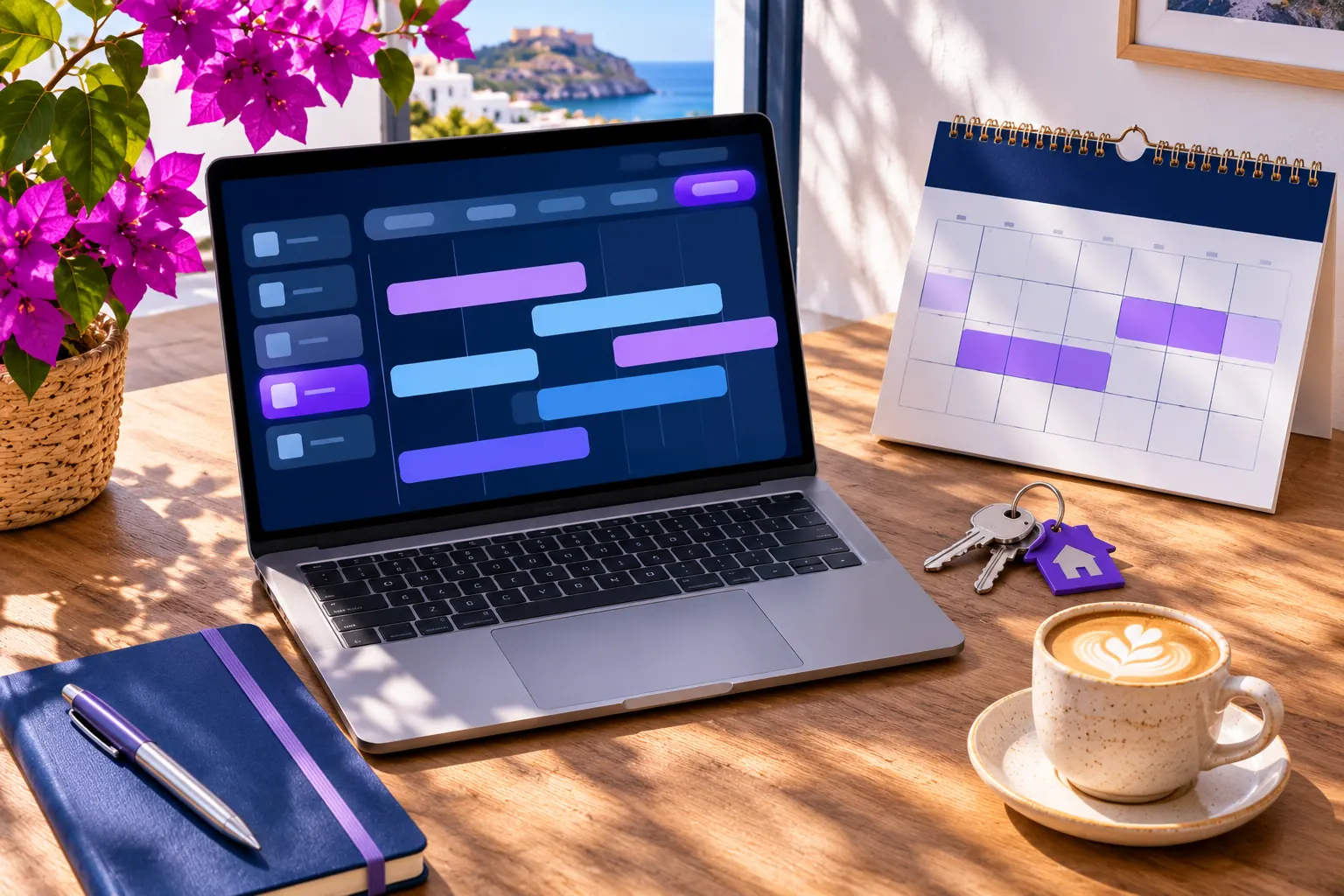
Plan content by date and time window, and show announcements around check-in and check-out.
Multilingual content
Write once and publish guest copy in several languages, with built-in AI help for translations.

Properties and team
Manage several properties, units and screens, and invite your team with clear roles.
Live in three steps
Add your property
Create the property and its units, and set the location for local weather.
Pair a screen
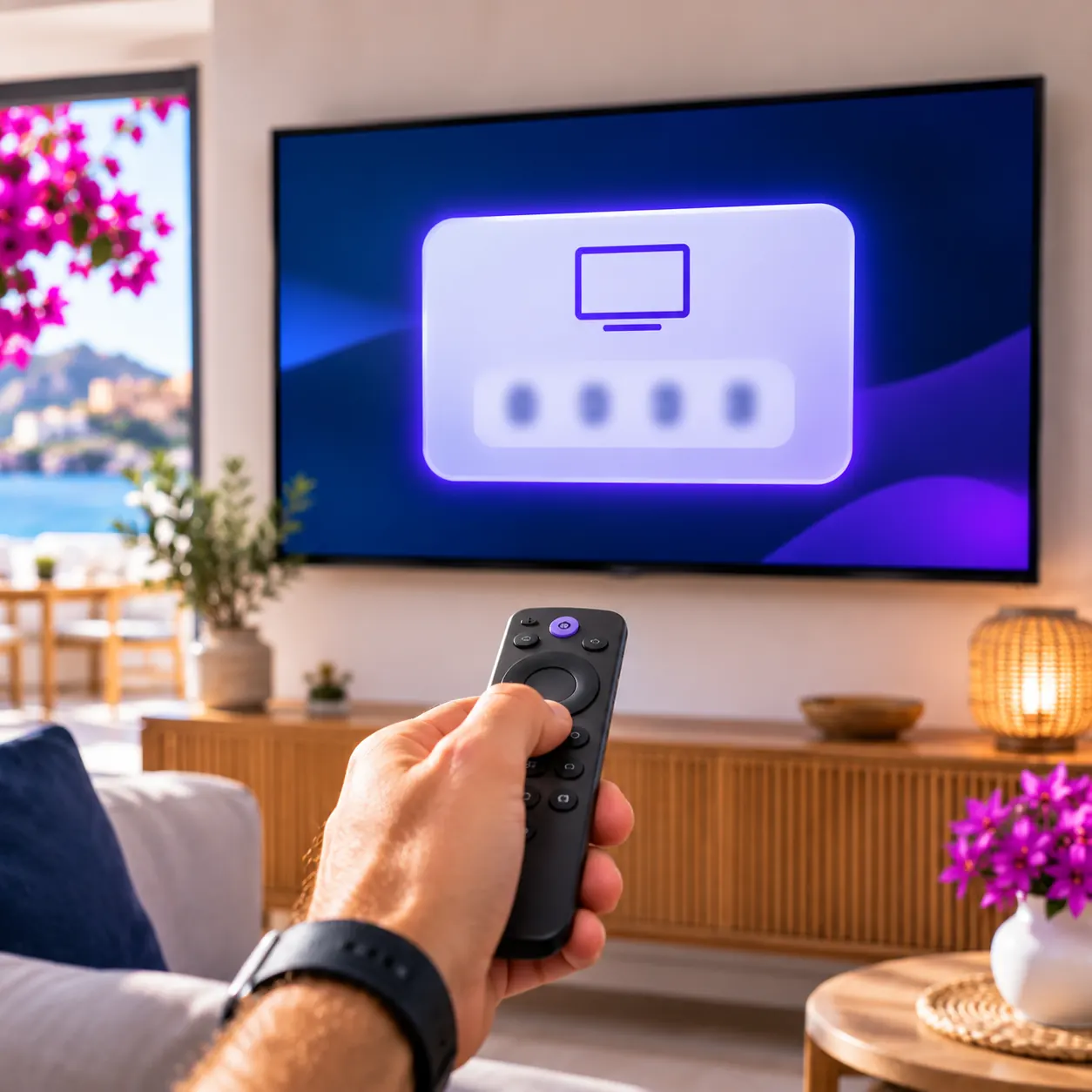
Open the player on the TV and enter the pairing code shown on screen.
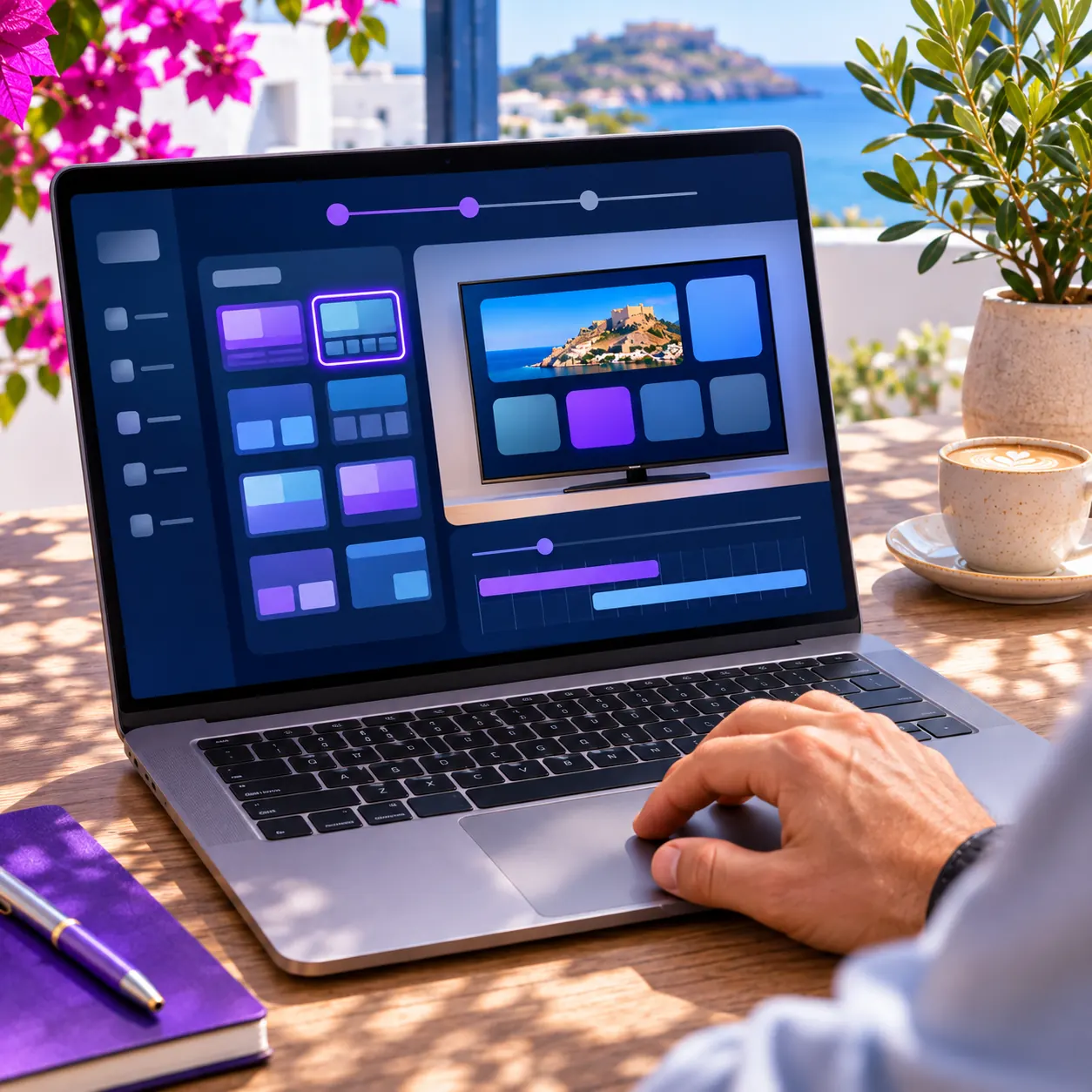
Design and schedule
Pick a template, add your content and choose when it plays.
Questions hosts ask
Do I need special hardware?
No. A supported smart TV that can run the web player is enough. We start with LG webOS.
Do guests have to install an app?
No. Guests scan the QR code of the unit and use a simple web page.
What happens if the internet goes down?
The screen keeps playing the last content it synced and updates again when the connection returns.
Is there a free plan?
Yes. A free plan is available. The current limits are shown in the portal.
Give your guests a better first minute
Create your account, pair your first screen and welcome your next guests properly.